


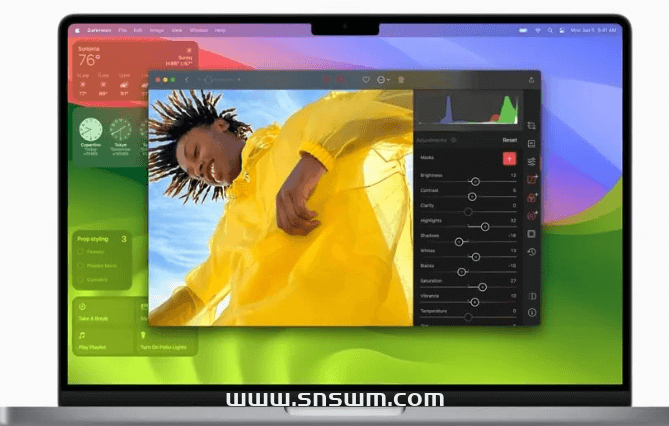
macOS Sonoma 14.1 (23B74) Virtual Machine ISO Image
Virtual Machine ISO Image Description This ISO system image is downloaded from Apple's official App Store, based on the latest version of the original pkg production, for virtual machine installation, you can drag and drop under the white apple to Applications (Applications) directly double-click to install, but also to support the production of white ...

Cell phone type access judgment
1. determine if it is mobile access ** * determine if it is mobile access * @return boolean */ function cmf_is_mobile() { if (PHP_SAPI ! = 'cli') { static $cmf_is_mobile; if (isset($cmf_is_mobile)) return $cmf...


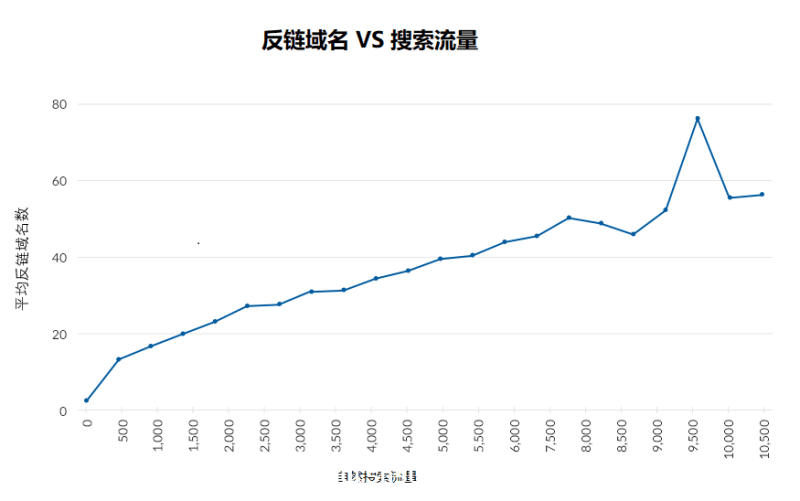
Get your website ranked on the first page of Google fast
If you're ranking on the second page or further down the page, then you're essentially invisible. In this guide, you'll learn how to fix first page rankings in 7 easy steps, as well as understand why ranking on the first page isn't necessarily your ultimate goal either. Here are these...

Web Third-Party Embedded Page Speed Optimization
Third-party content may affect the performance of our page in a number of ways. For example, it may block rendering, compete for network bandwidth with other resources on our page, and embedding of third-party web pages may cause the layout to shift when loading, which in turn affects our page's Core Web...

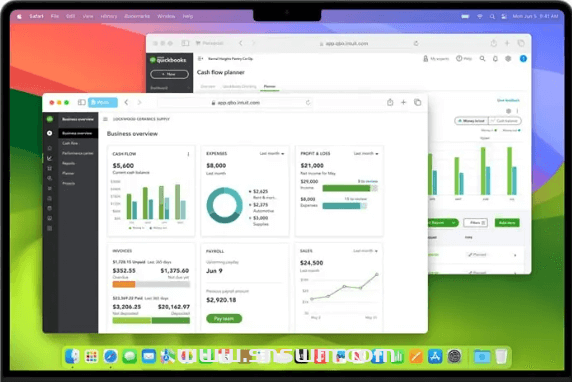
macOS Sonoma 14.1 (23B74) Full Version with OC Boot Black Apple Image
October 26, Apple released macOS Sonoma 14.1 official version of the system, version number 23B74, the new version of the same time to support INTEL/ARM platform, but this may also be the last generation of support for black apple system, black apple and cherish. This image was downloaded from the official repository...

Codec conversion of string character sets
String codec conversion including: utf8 to gbk, Simplified Chinese to Traditional Chinese, unicode to utf8, Ascii to Pinyin, Unicode decoding, etc.

php Extract image addresses from HTML articles class
php Extract image addresses from HTML articles class

FFmpeg common utility commands
FFmpeg is a powerful command line audio/video tool that can take care of transcoding, stream mixing, embedded subtitling, editing, and so on. Installation This section is for Windows users. Go to the compiled file (gyan.dev) of the Windows version suggested by the FFmpeg website ...